In brief
- Open the signup page from the Get Started button.
- Enter your name, email and password (minimum 8 characters).
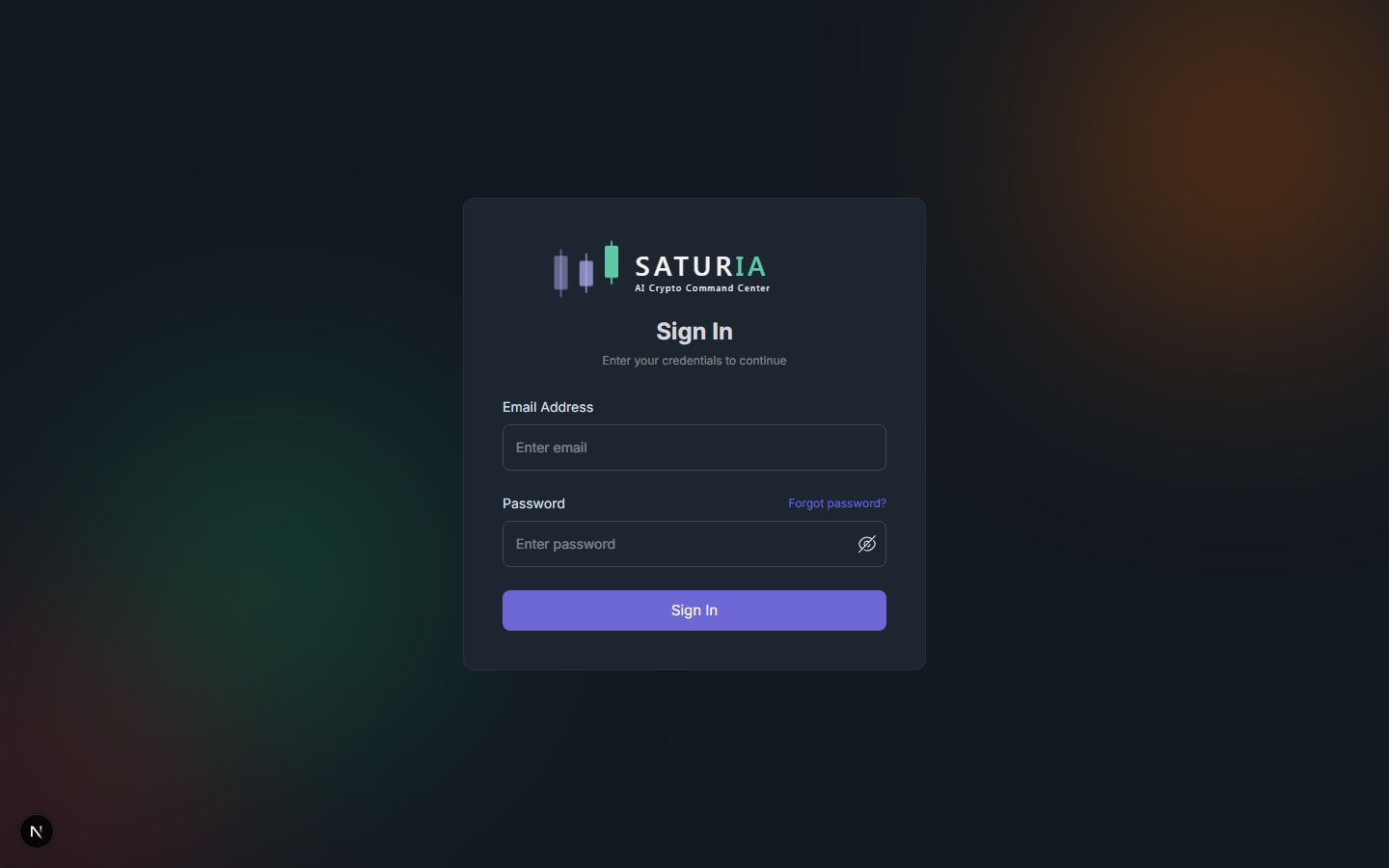
- Confirm your email by clicking the link sent to your inbox.
- On first login, choose language, theme and favorite assets in the onboarding wizard.
- You're in the dashboard — you can start using the platform right away.
In depth
Creating your account
Registration starts from the homepage or the pricing page. The Starter plan is free forever and requires no payment method: it's designed to let you try the platform with all essential features. During signup we ask only for strictly necessary data: name, email, password. We don't collect financial data until you choose to connect a wallet or exchange.
Password requirements: minimum 8 characters. We recommend a unique password and a password manager — Saturia supports autofill from the main managers (1Password, Bitwarden, Chrome, Apple Keychain).
Email verification
Right after signup you receive an email with a verification link. The link is valid for 24 hours. If you don't receive anything within a few minutes:
- Check your spam or promotions folder.
- Make sure the address you entered is correct.
- From the login screen you can request a new send.
Until the email is verified, dashboard access is limited: you can't connect wallets or activate alerts.
Initial onboarding
On first login a short wizard collects the minimum information needed to personalize your experience:
- Language — Italian, English or Spanish. You can change it anytime from settings.
- Theme — dark (default) or light.
- Experience level — determines the default verbosity of some explanatory tooltips.
- Favorite assets — pick the coins you want to see on the dashboard first. You'll be able to add and remove freely later.
- Use goal — long-term investing, active trading, observation only. Influences the suggested widgets.
Onboarding is skippable and can be reconfigured anytime from the profile section.
First-access security
After your first login we recommend you:
- Use a unique password (not reused from other sites), stored in a password manager.
- Never share credentials and be wary of private messages posing as Saturia support.
- If you connect an exchange, always use read-only API keys.
Security practices are detailed in the privacy and security guide. Features like two-factor authentication and active-session list are not implemented at the time of writing.
Common errors
- "Email already in use" — you already have an account. Use the "Forgot password" function.
- "Link expired" — request a new link from the login screen.
- Login not working after verification — clear browser cache or try incognito mode.
Next step
Go to the interface and navigation guide to orient yourself among menus, themes and keyboard shortcuts.